If you are interested in switching a HSRF-500 USB scanner from USB to serial communication without acquiring serial cables and power supply, here is what you need to do:
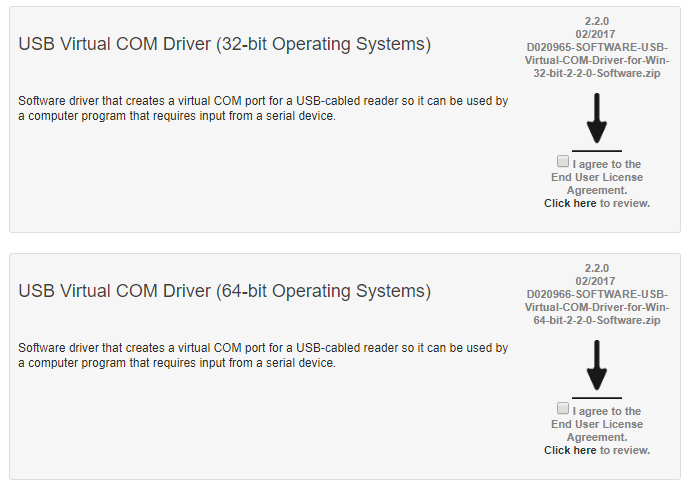
4. After you load the correct driver for your OS onto your PC, go into your PC’s DEVICE MANAGER > PORTS and point the scanner to the COM port noted as “USB to Virtual COM Port.”

Wondering how you can streamline sharing information, operations, and, cut costs? We are just a call or email away. Here is our direct line and email address. Connect today to start the conversation.
